Table of Contents
Section 1: Mobile App Login Overview
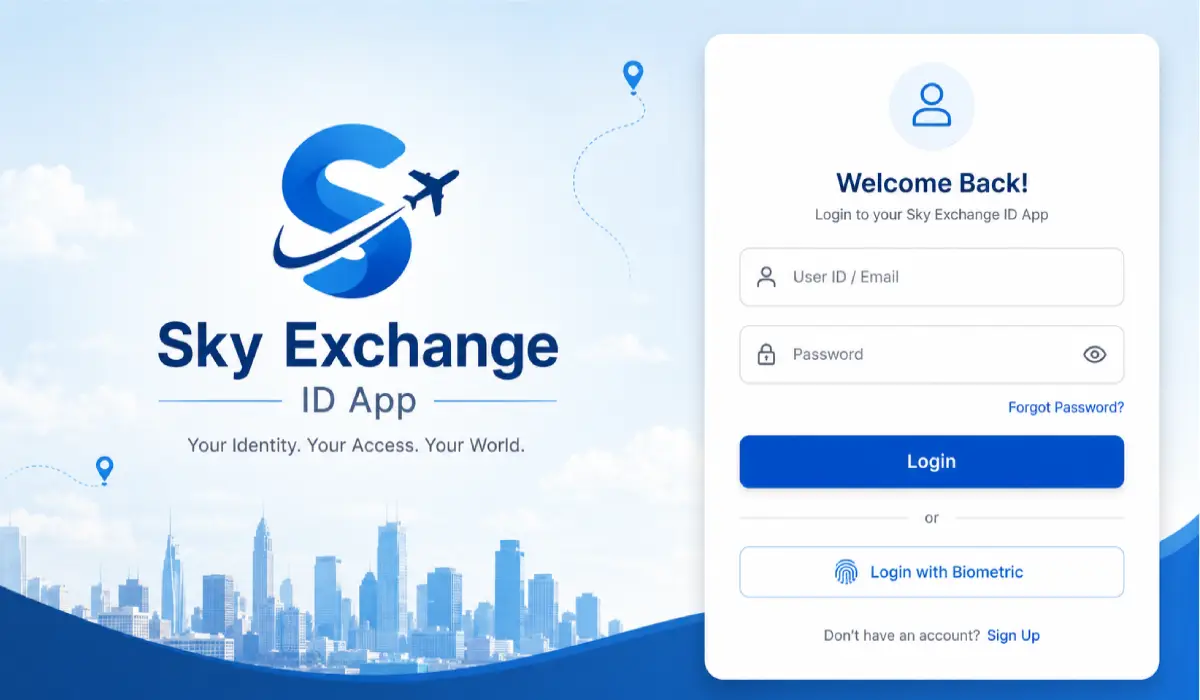
Accessing your Sky Exchange ID via the mobile web app gives you instant connectivity to live cricket odds, casino streams, and wallet balances wherever you are.
Section 2: Mobile Login Steps
1. Open your mobile browser and enter the official login URL.
2. Tap the "Login" button on the top right.
3. Input your registered User ID and password.
4. Tap "Submit" to access your dashboard.
Section 3: Solving Common Mobile Login Errors
If your screen stalls or displays "Session Expired", clear your browser cookies, disable aggressive ad-blockers, or switch to an Incognito window. For locked accounts, contact WhatsApp support.
Section 4: Biometric & Mobile Device Security
Enable fingerprint or face unlock on your mobile device to ensure unauthorized individuals cannot access your phone's open browser tabs.
Questions About Sky Exchange ID App Login – Fast Mobile Access & Troubleshooting
Important Legal & Government Policy Compliance Notice
⚠️ STATUTORY & GOVERNMENT POLICY NOTICE: SkyExchangeLive.com is strictly an independent informational and sports analysis guide. This website DOES NOT solicit, accept, hold, or process any real-money transactions, deposits, bets, or cash withdrawals. We do not operate any online gambling exchange or financial payment services. All references and trademarks are the property of their respective owners. Content is intended strictly for users aged 18+ for educational, analytical, and informational purposes only. Please verify and follow your local state laws and play responsibly.
Need Help or Instant Account Setup?
Connect with our verified 24/7 human customer service team on WhatsApp for fast guidance.
Message Official Support on WhatsApp